
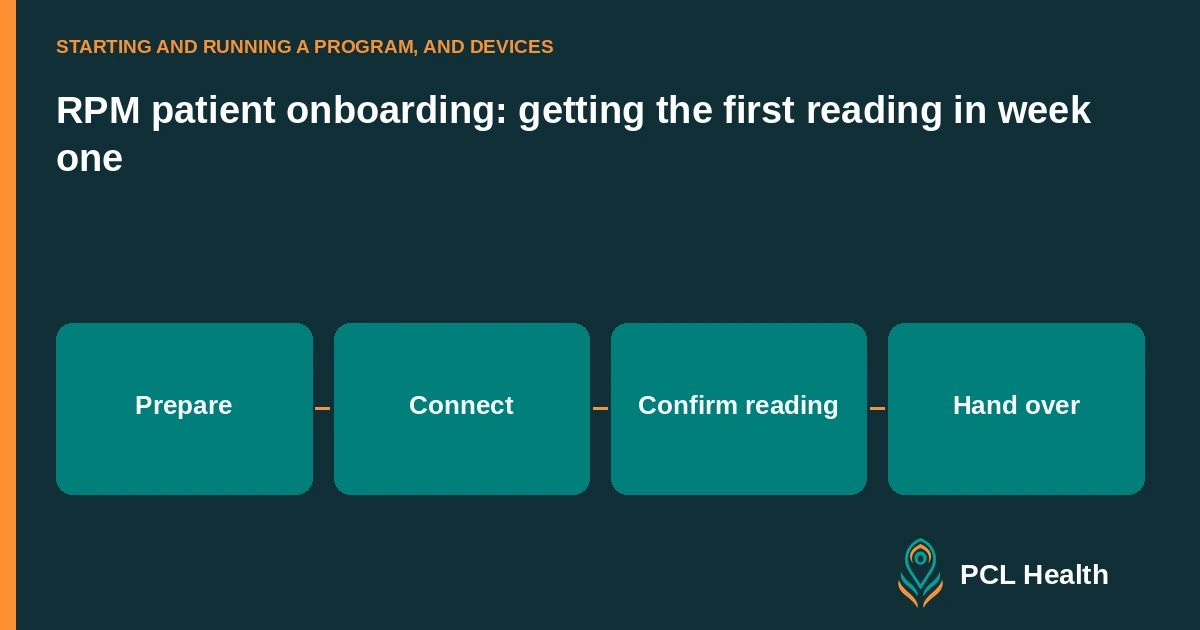
RPM patient onboarding should finish with a first reading received in the clinic's patient record and a patient who knows the next step. Use week one to confirm device setup, transmission, contact arrangements and responsibility for follow-up.
HHS recommends confirming receipt of the patient's data when monitoring starts. HHS patient-preparation guidance (2026). The schedule below is a suggested checklist you can adapt to your team and patient needs. Start with the wider 90-day RPM program guide if the service itself is new.
What should you confirm before sending the device?
Confirm the patient's enrollment status, the device being assigned, the person responsible for setup and the contact details your team will use. Ask about practical barriers before shipping or handing over equipment. Your coordinator should know whether the patient needs help with a phone, an account, language access or a family-assisted setup.
Make the device assignment match the patient record. Then agree a setup appointment or contact window so a delivery does not become an unowned task. Put unresolved questions on a list with a named person responsible for answering them.
Keep consent connected to this handoff. CMS requires patient consent when RPM services are provided. CMS MLN guidance (December 2025). The RPM patient consent guide covers the record your team should be able to retrieve.
How can you organize the first week?
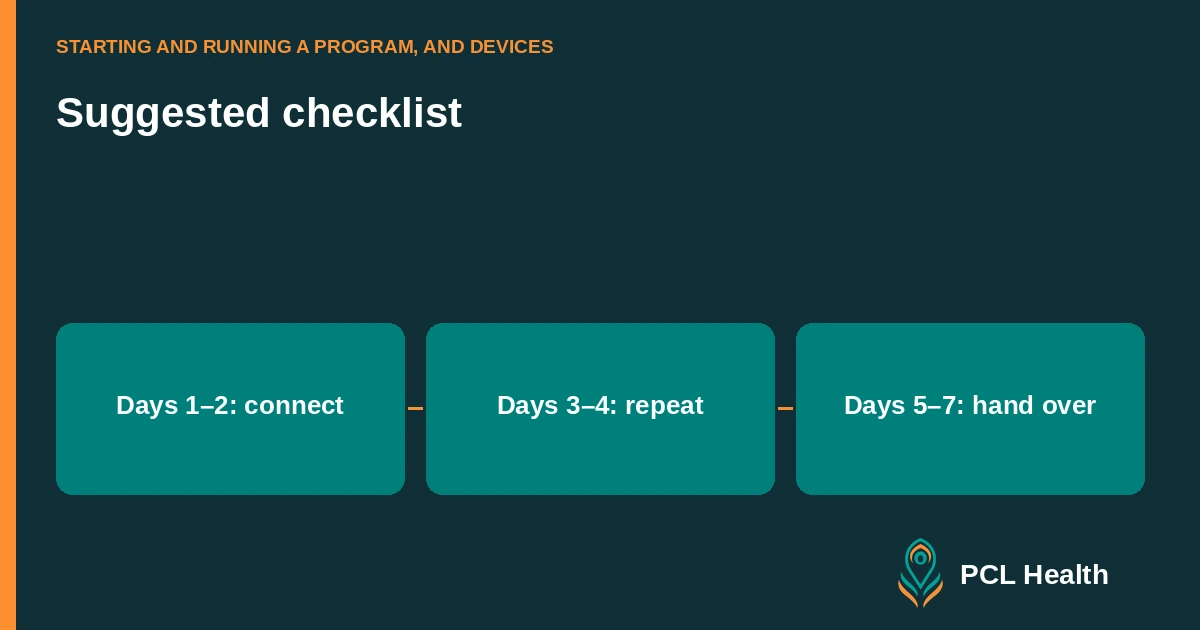
Give each step a clear owner and a completion condition. Use the early part of the week for setup and transmission, then check that the patient can repeat the routine. Keep a route for patients who need more help so the timetable supports the work without becoming a reason to mark an unresolved enrollment complete.
| Suggested stage | Owner | Completion condition |
|---|---|---|
| Before setup | Enrollment coordinator | Patient, consent status, device and contact plan confirmed |
| Days 1–2: connect | Setup lead | Device connected and first reading visible in the patient record |
| Days 3–4: repeat | Patient-support lead | Patient can follow the assigned routine and reach the clinic for help |
| Days 5–7: hand over | Monitoring lead | Review owner, reminders and unresolved tasks confirmed |
These are operating checkpoints rather than billing thresholds. Record the actual completion date when a patient needs a different pace. That gives the monitoring team an honest starting point.
What does a successful setup demonstration include?
Ask the patient to perform the routine they will use at home: open the app, connect the assigned device and follow the clinician-approved measurement instructions. Confirm the result at the clinic end. Give the patient a short written reference and a contact route for technical problems, then ask which step still feels unclear.
PCL Health uses Bluetooth blood pressure cuffs, glucometers, scales and a watch that pair with the patient app. See Connected devices for the supported device categories and app workflow.
Test the equipment and phone the patient will actually use. A demonstration on the coordinator's phone does not resolve a problem on the patient's device. Make sure your team can distinguish pairing help from a clinical question that needs a clinician.
How do you confirm that the first reading arrived?
Open the correct patient record and check the received reading, its timestamp and the device assignment. Tell the patient that the clinic received the data, and record the confirmation. If the patient sees a measurement but the clinic cannot find it, keep setup open and identify where the transmission path needs attention.
A useful handoff note says what was received and what remains to do. “First reading received; patient needs written connection instructions” gives the next coordinator a task. “Device works” leaves the receiving end and any remaining barrier unclear.
Keep the first-reading checkpoint distinct from a claim decision. CMS describes automatically transmitted physiologic data as part of RPM. CMS RPM overview (2026). One successful transmission is a setup milestone; your billing team still reviews the applicable service requirements.
What do you do when no reading arrives?
Work through the transmission path in order: whether the patient took a reading, whether the assigned device connected, whether the app received it and whether the clinic sees it. Give the problem a named owner and a next contact time. Explain the next action to the patient so repeated reminders do not replace troubleshooting.
For example, a patient may be able to read the number on the cuff while the app remains disconnected. That calls for connection support. Another patient may never have unpacked the device. Ask a specific question before sending the same instructions again.
Use the missed-readings guide to organize the follow-up. Automated AI calls can support reminders; unresolved setup questions still need an assigned staff response.
What should patients know before routine monitoring starts?
Give the patient the clinician-approved reading routine, the clinic's review arrangements and clear instructions for getting help. Explain what reminders mean and where technical questions go. Ask the patient to describe how they will contact the team so you can identify an unclear instruction before the setup conversation ends.
HHS patient guidance recommends written device instructions and contact information, including what to do when equipment or an app fails. HHS patient RPM guidance. Use your practice's approved wording for urgent concerns and after-hours contact.
Where a family member helps, agree the practical role with the patient and follow your access process. Keep that helper's task specific: pairing the device, remembering the routine or helping the patient reach the clinic.
What should the proposed 2027 changes add to your planning?
Review your enrollment handoff against the proposed initiating-visit and employed-staff requirements. Identify who would conduct the visit, who would perform monitoring and how the coordinator would see completion. Keep the proposal in your planning record while your current onboarding process follows the requirements applicable to the service being provided.
CMS proposes an initiating visit and monitoring performed by clinical staff employed by the practice for CY 2027. CMS also sought comment on consolidating RPM and RTM codes. These proposals have not become final requirements. CMS fact sheet (2026); Federal Register proposed rule (2026).
Finish week one with a short handoff: first reading received, patient instructions provided, monitoring owner assigned and open questions listed. That record tells the next person where the enrollment stands.
Main guide: How to start an RPM program
FAQ
What marks the end of device setup?
Confirm that a reading appears in the correct clinic patient record. Tell the patient it was received and document any remaining setup question. Source.
Is week one a Medicare billing threshold?
Week one is a suggested onboarding timetable. Your billing staff still review the applicable code and payer requirements separately. Source.
Which devices does PCL Health support?
PCL Health uses Bluetooth blood pressure cuffs, glucometers, scales and a watch that pair with the patient app. Test the supplied device with the patient’s own phone during setup.
Can an automated reminder resolve every missing reading?
Use reminders alongside a process for identifying the barrier and assigning staff follow-up. An unresolved device connection or patient question still needs an owner.